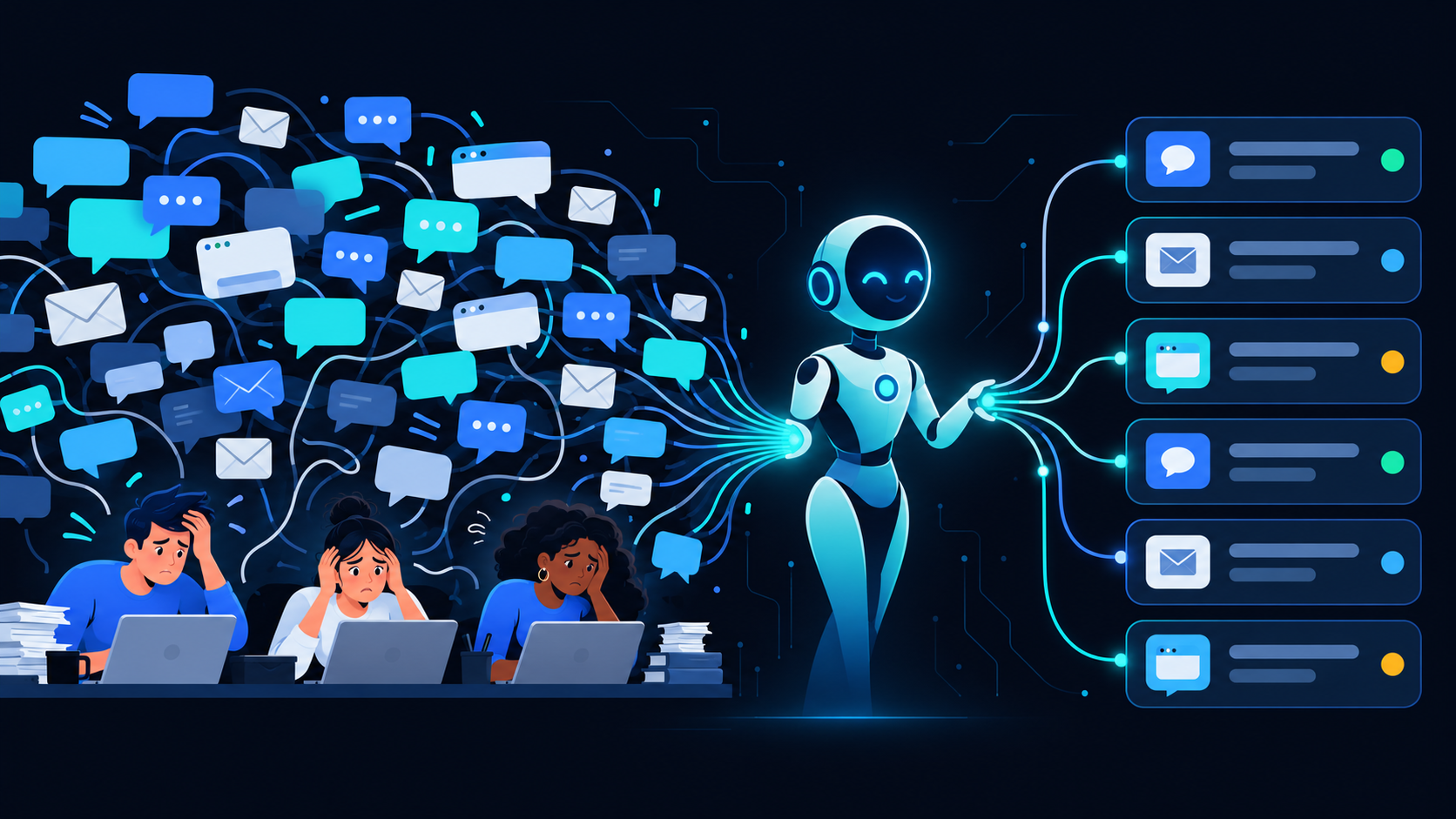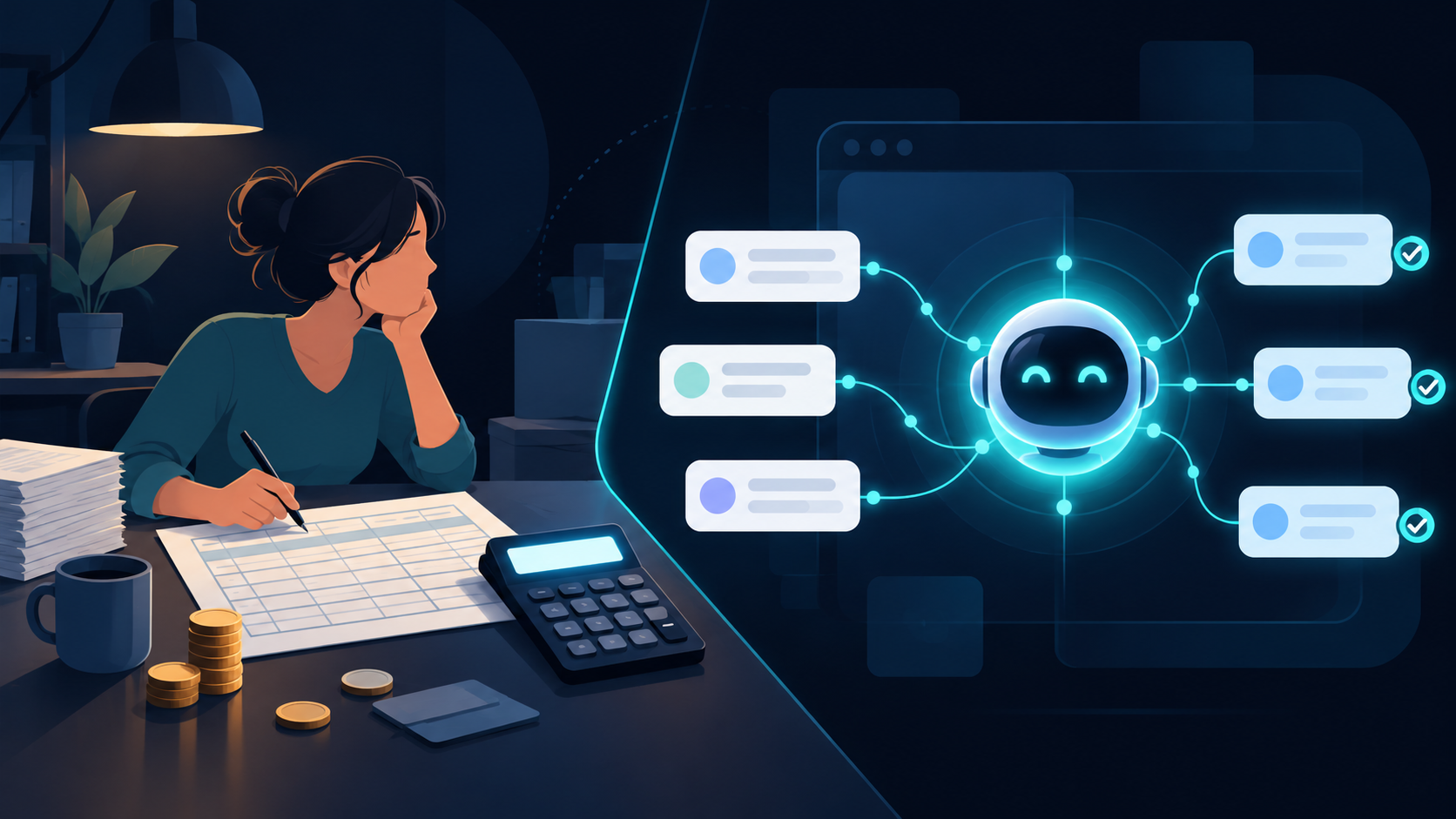
Your customer emails support at 6 PM Friday. Your part-time support person checks email Monday morning. By then, the customer already found another vendor.
Sound familiar?
For SMBs under 50 employees, customer support is usually one of three things:
- The founder answering emails at midnight — unsustainable
- A part-time VA checking tickets sporadically — slow
- A helpdesk tool nobody configured properly — expensive and ignored
There’s a fourth option that actually works.
What “AI Customer Support” Actually Means
Not a chatbot that says “I didn’t understand that” three times before transferring to a human. Not a decision tree that takes 12 clicks to find a refund form.
An AI employee that does real support work:
First-Response Triage
- Reads every incoming ticket within 30 seconds
- Categorizes: billing, technical, shipping, general inquiry
- Answers common questions immediately (password resets, order status, return policies)
- Escalates complex issues to the right person with full context
Impact: Average first-response time drops from 18 hours to 30 seconds
Refund and Return Processing
- Checks order status and eligibility against your policy
- Processes refunds under a set threshold automatically (e.g., under $100)
- Sends return shipping labels
- Updates CRM and accounting records
Impact: Refund resolution time drops from 3–5 days to same-day
FAQ and Knowledge Base
- Answers questions from your existing documentation
- Learns from past tickets to handle new variations
- Available on email, chat, Slack, and WhatsApp — wherever customers reach out
- Handles multiple languages if your customer base needs it
Impact: 60–80% of tickets resolved without human involvement
Proactive Outreach
- Sends shipping updates before customers ask
- Follows up after purchase: “How’s the product working?”
- Flags at-risk customers based on support patterns
- Sends renewal reminders for subscription businesses
Impact: Fewer inbound tickets because customers already know what’s happening
The Numbers That Matter
For a typical 30-person company with 200–500 customers:
| Metric | Before AI | After AI |
|---|---|---|
| First response time | 12–24 hours | Under 1 minute |
| Tickets per month | 300–500 | 300–500 (same volume) |
| Human-handled tickets | 300–500 | 60–100 |
| Support staff needed | 1–2 part-time | 0 (founder reviews exceptions) |
| Monthly support cost | $3,000–$8,000 | $100–$300 |
| Customer satisfaction | Inconsistent | Consistent, fast |
You still handle the 20% that needs human judgment. AI handles the 80% that’s repetitive.
Real Scenarios
E-Commerce Store (150 orders/month)
Before: Founder answering “where’s my order?” emails at 11 PM
After: AI instantly checks tracking, sends status update. Founder reviews 5 escalated tickets per week (damaged items, complex returns). Time spent: 30 minutes/week.
SaaS Startup (300 users)
Before: Developer handling “how do I export data?” between coding sprints
After: AI answers from knowledge base, handles password resets, escalates bugs with screenshots and reproduction steps to the dev team. Developer reviews bugs only.
Professional Services Firm (50 clients)
Before: Office manager juggling client emails, phone calls, and scheduling
After: AI handles scheduling confirmations, invoice questions, document requests. Office manager focuses on client relationships, not inbox management.
Local Business Chain (3 locations)
Before: Each location’s manager answering the same questions: hours, parking, services, pricing
After: AI handles all location-specific inquiries via phone, email, and Google Business messages. Managers focus on operations.
What About Quality?
“But won’t customers hate talking to AI?”
Here’s the thing: customers don’t hate AI support. They hate:
- ❌ Waiting 24 hours for a response
- ❌ Repeating their issue to 3 different people
- ❌ Getting generic copy-paste answers
- ❌ Being told “please hold” for 15 minutes
AI solves all of these. A correct answer in 30 seconds beats a “personal” answer in 24 hours. Every time.
The quality bar: AI should only answer when it’s confident. If it’s unsure, it escalates immediately with full context. No “I didn’t understand” loops. No pretending to help when it can’t.
Integration, Not Replacement
AI customer support works best when it’s embedded in your existing tools:
- Email: Reads and responds to support@ your domain
- Chat: Adds to your website or app
- WhatsApp/SMS: Handles mobile customer communication (see: WhatsApp AI Agent Setup)
- Helpdesk: Works inside Zendesk, Freshdesk, Intercom — or replaces them
- CRM: Logs every interaction in HubSpot, Salesforce, or your custom system
You don’t need to change how customers reach you. AI meets them where they already are.
Getting Started This Week
- Audit your inbox. What are the top 10 questions you get repeatedly? AI can answer these on Day 1.
- Pick your channel. Start with email (lowest risk, easiest to monitor). Add chat and WhatsApp later.
- Set escalation rules. AI handles straightforward stuff. Anything emotional, complex, or high-value goes to a human.
- Review weekly. Check AI’s responses for the first few weeks. Adjust tone, add new answers, refine escalation triggers.
Most companies see results within the first week. Not because AI is magic — because the support backlog was the bottleneck, and removing it changes everything.
Ready to stop drowning in support emails? Book a demo and see how an AI employee handles your customer support in days, not months.
Related Reading
- WhatsApp AI Agent Setup for SMB Customer Service
- AI Employee vs. Hiring: What 50-Person Companies Actually Spend
- E-Commerce AI Employee: Support, Returns, and Inventory
- Why Custom GPT Isn’t Enough: What SMBs Actually Need
- AI Employee vs Freelancer: What SMBs Should Actually Choose in 2026
- AI Employee vs Virtual Assistant: What SMBs Should Actually Choose
- AI Office Manager for Small Business: Replace the $4k/month Admin Role
Ready to take action?
Deploy a Digital Employee in 7 Days
See how EchoAI automates customer service and sales workflows — live demo, zero commitment.
Book a Free Demo →