· How To · 4 min read
Workflow Automation for SMBs: How AI Employees Handle the Repetitive Work
Learn how AI workflow automation helps SMBs save 10+ hours weekly by automating lead follow-up, invoicing, scheduling, and more.
Running a small business means juggling dozens of tasks every day. Emails, follow-ups, invoicing, scheduling — the list never ends. Workflow automation with AI employees can take over these repetitive processes, freeing you to focus on growth.
## What Is Workflow Automation for SMBs?
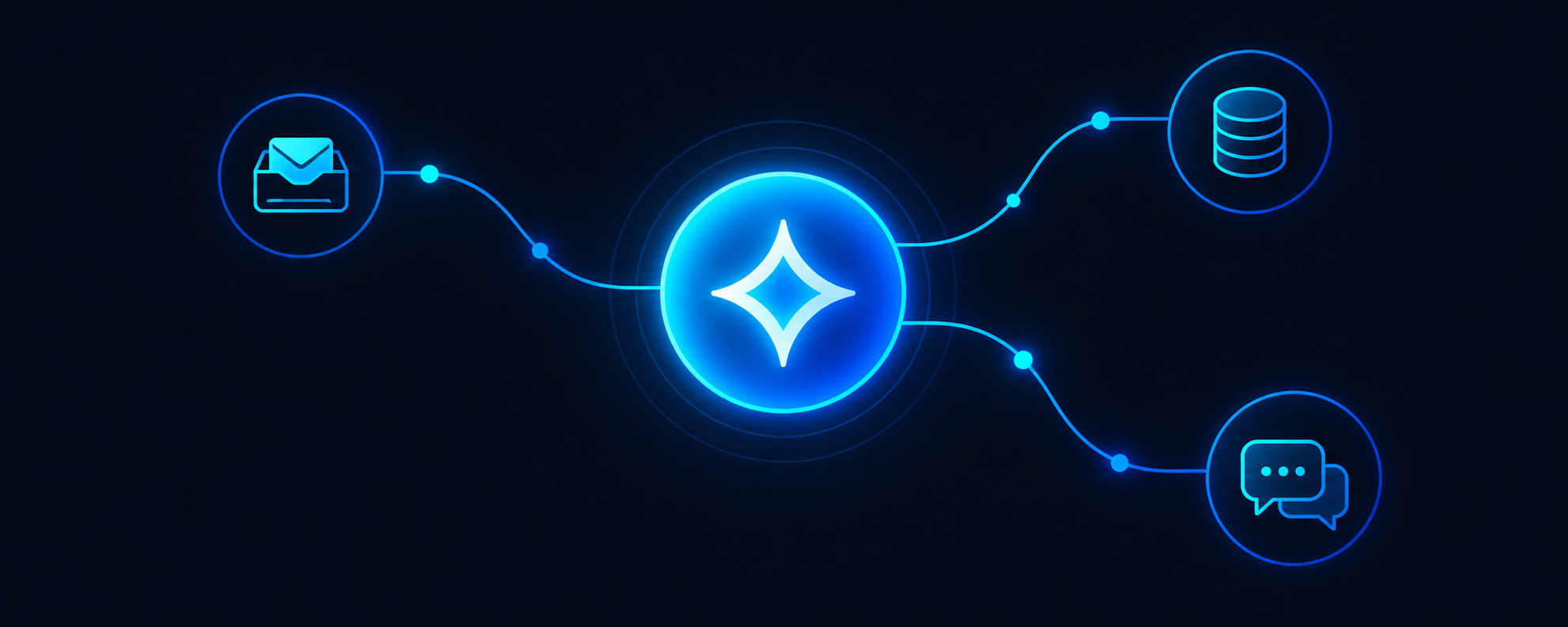
Workflow automation uses AI to handle recurring business processes without manual intervention. Instead of you or your staff copying data between systems, sending reminder emails, or updating spreadsheets, an AI employee handles it automatically.
For SMBs under 50 employees, this matters more than ever. You don’t have the budget for an operations team. But you do have repeatable processes that someone needs to manage. AI fills that gap at a fraction of the cost.
## 5 Workflows You Can Automate Today
### 1. Lead Capture and Follow-Up
When a prospect fills out a form on your website, what happens next? Without automation, leads sit in your inbox waiting for a response. With AI workflow automation:
– The lead is instantly logged in your CRM
– A personalized follow-up email is sent within minutes
– Calendar invites are offered for demo calls
– Reminders are set if no response comes in 48 hours
This single workflow can double your response rate — and your conversion rate.
### 2. Invoice Processing and Payment Reminders
Late payments hurt cash flow. AI employees can:
– Extract invoice data from emails automatically
– Match invoices to purchase orders
– Send payment reminders on schedule
– Flag discrepancies for human review
No more chasing payments or manually entering data.
### 3. Customer Onboarding
New customers need a consistent experience. AI workflow automation ensures:
– Welcome emails go out immediately
– Account setup checklists are created
– Training resources are shared at the right time
– Onboarding progress is tracked
Your customers get a professional experience without your team spending hours on each one.
### 4. Meeting Scheduling and Reminders
Back-and-forth emails to schedule meetings waste time. AI employees can:
– Check calendar availability in real time
– Propose times that work for everyone
– Send calendar invites automatically
– Send reminders 24 hours and 1 hour before
You show up prepared, and no time is wasted on scheduling logistics.
### 5. Report Generation
Monthly reports, weekly metrics, daily summaries — these take hours to compile. AI employees can:
– Pull data from multiple systems
– Generate formatted reports automatically
– Distribute reports to the right stakeholders
– Flag anomalies that need attention
## Why AI Workflow Automation Beats Traditional Software
Traditional workflow tools like Zapier or Microsoft Power Automate require you to build every step yourself. You define triggers, map fields, and handle edge cases manually.
AI employees work differently. They understand context, handle exceptions, and adapt to your business. Instead of building 47 separate automation rules, you describe the outcome you want — and the AI figures out the steps.
## Getting Started with Workflow Automation
Start small. Pick one process that eats up time every week. Common starting points:
– Lead follow-up sequence
– Invoice processing
– Customer onboarding emails
– Meeting scheduling
Implement one workflow, measure the time saved, then expand. Within 30 days, you’ll have automated 3-5 core processes — saving 10+ hours per week.
## The Bottom Line
Workflow automation isn’t about replacing your team. It’s about freeing them from repetitive tasks so they can focus on work that actually moves your business forward. For SMBs, that difference is everything.
**Ready to automate your workflows?** [Book a Demo](https://www.echo365.ai/book-a-demo/) to see how AI employees can handle your most time-consuming processes.