· How To · 4 min read
AI Workflow Automation: Where a Small Business Should Actually Start with Sub-Agents and MCP
Where should a small business start with AI workflow automation? A practical four-week rollout using Sub-Agents and MCP — one workflow, real tools, ~30% of enterprise software cost.
Most small businesses do not have an automation problem. They have a starting problem. The repetitive work is obvious — copy-pasting leads between tools, chasing approvals over email, re-typing order details into a spreadsheet — but “AI workflow automation” sounds like a project for companies with a dedicated IT department. It isn’t. For a team under 50 people, the practical entry point is understanding two ideas: Sub-Agents and MCP.
Sub-Agents and MCP, in plain English
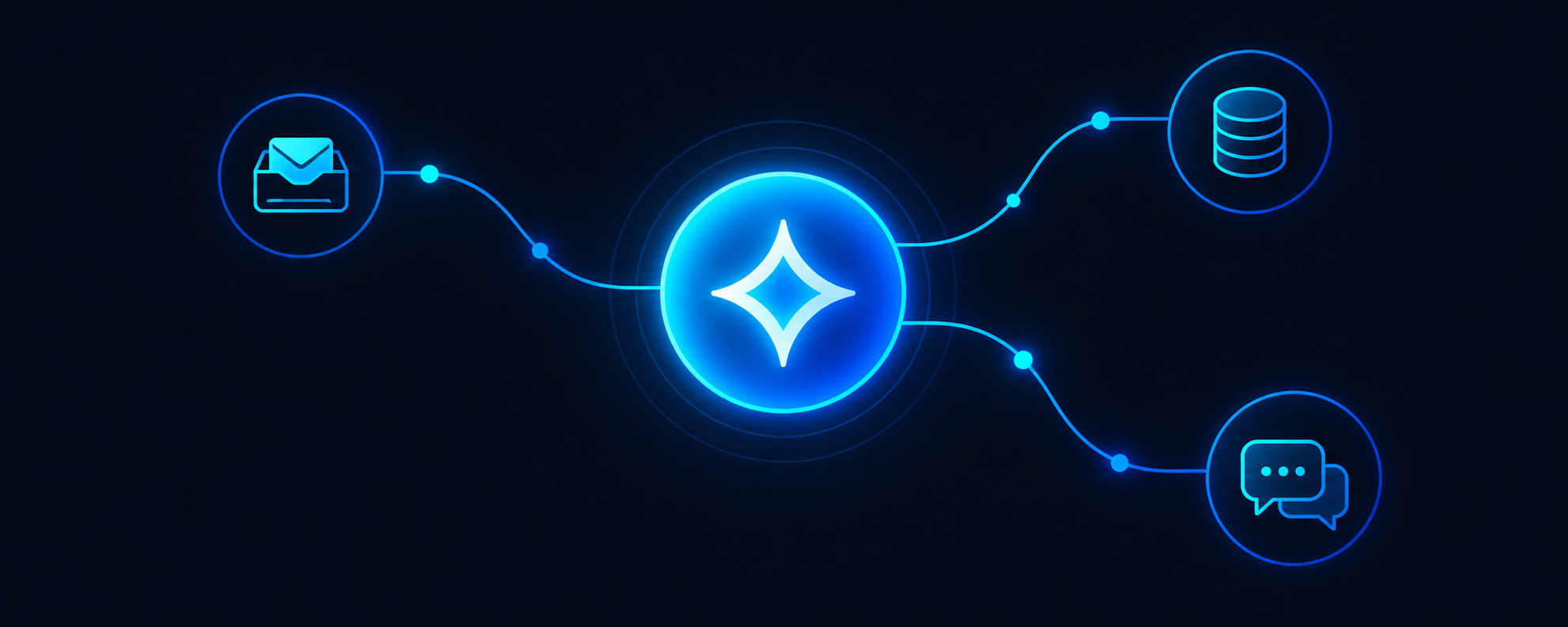
MCP (Model Context Protocol) is the connective tissue. It gives an AI a standard way to talk to the software you already use — your inbox, your CRM, your booking tool, your spreadsheets — without you building a custom integration for each one. Think of it as a universal plug for your business tools.
Sub-Agents are the workers. Each one owns a slice of a workflow end to end: read the incoming request, pull the data, make the update, send the reply, log the result. One instruction from you fans out into a chain of small, verifiable steps.
Together they form the layer described on our Products page: AI digital employees that don’t just answer questions, they complete tasks. The full picture of what this looks like in a real company is on our Solutions page.
Start with one workflow, not a platform
The most common failure mode is trying to automate everything at once. Do the opposite. Pick a single workflow that:
- Happens every week — invoice intake, lead routing, appointment confirmations, weekly reporting.
- Follows the same steps — if every case needs a human decision, it’s the wrong candidate.
- Lives across two or more tools — that’s where manual copy-paste eats the most hours.
- Has a clear definition of “done” — a record updated, an email sent, a report filed.
If no workflow meets all four, start anyway with the closest one. A narrow pilot that works beats a broad plan that doesn’t.
The cost conversation nobody has with enterprise software
Traditional enterprise suites price themselves for a different buyer: six-figure licensing, a consultant-led implementation, and a part-time administrator just to keep it running. A 50-person company rarely recovers that investment.
AI workflow automation flips the economics. You keep the tools you already pay for, connect them, and automate the work between them — at roughly 30% of the cost of traditional enterprise software, with no rip-and-replace project. That is the entire value proposition, and it’s why smaller teams can move on this while larger ones are still in procurement.
A four-week rollout sequence
- Week 1 — Map. Write down the workflow step by step, name every tool it touches, and define what “done” means.
- Week 2 — Connect. Wire the tools together with MCP and build the first Sub-Agent. Run it in shadow mode: it produces the output, a human still takes the action.
- Week 3 — Hand it over. Let the Sub-Agent act on real tasks with human review. Log every exception it hits.
- Week 4 — Measure and expand. Compare hours spent before and after, then pick the next workflow using the same four filters.
What actually changes for the team
Nobody on a sub-50-person team wakes up excited to move data between two windows. Once the routine path runs itself, people shift to the exceptions — the odd invoice, the angry customer, the deal that needs a human judgment call. Headcount doesn’t disappear; the busywork does.
That’s the honest promise of AI workflow automation for SMBs: not a lights-out company, but a team whose hours go to work only a person can do.
Book a Demo and we’ll map your first workflow in 30 minutes.