· How To · 5 min read
How to Build a WhatsApp AI Agent for Your Business Customer Support
Learn how to set up a WhatsApp AI agent for SMB customer support. Automate replies, resolve issues instantly, and cut support costs by 40-60%.
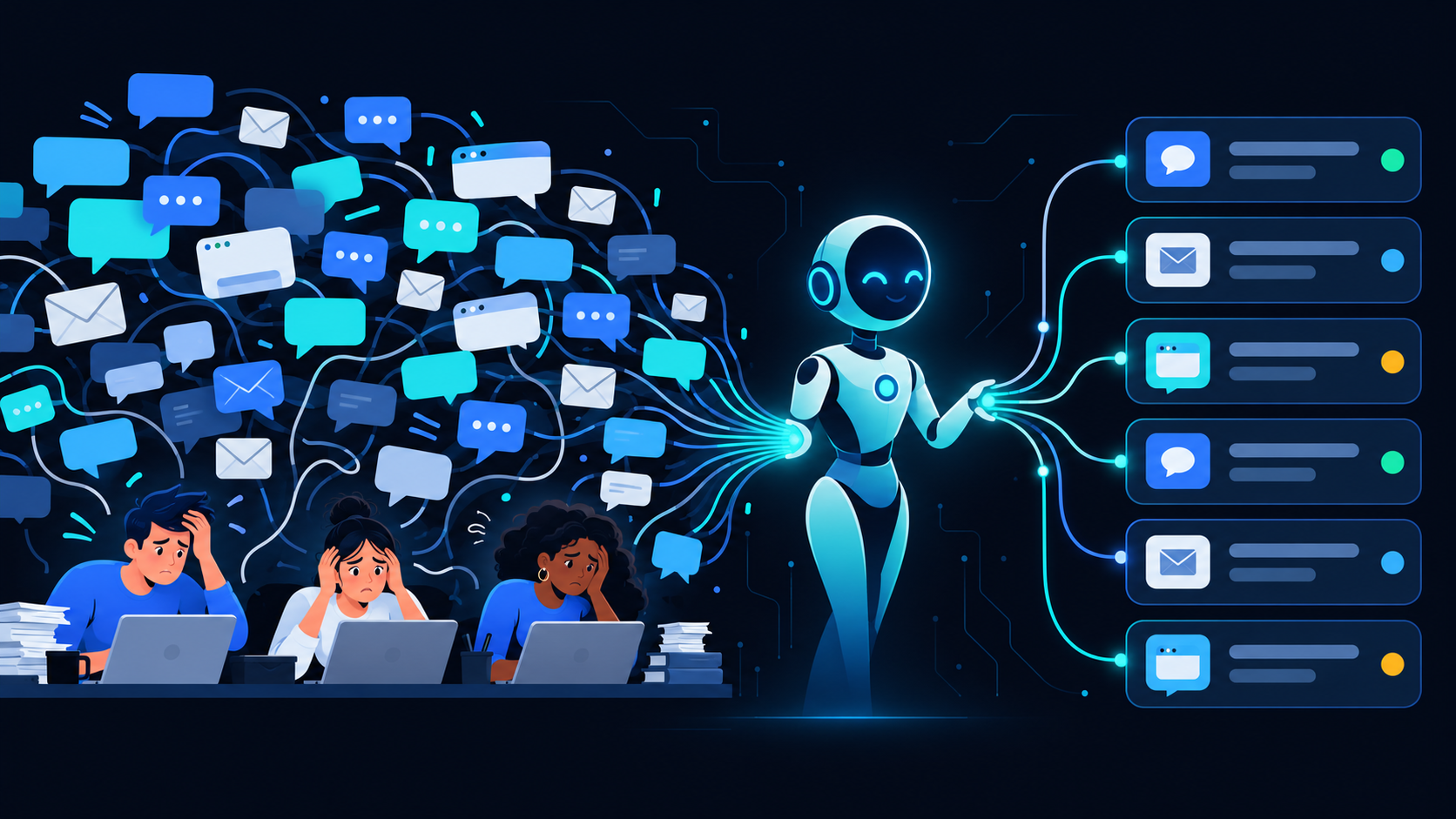
Running a small or mid-sized business means juggling dozens of tasks at once — and customer support is one of the most time-consuming. WhatsApp is where your customers already live, with over 2 billion users worldwide. But replying to every message manually? That doesn’t scale.
Enter the WhatsApp AI agent. It’s not a chatbot from 2015 that spits out canned responses. Modern AI agents can understand context, pull data from your systems, and resolve issues in real time — all inside WhatsApp. Here’s how to set one up for your business.
Why WhatsApp Is the Right Channel for AI Customer Support
Most customer support tools force your customers to switch platforms — email, web forms, dedicated apps. WhatsApp removes that friction. Your customers already use it daily, and they expect fast replies.
Here’s why it matters for SMBs:
- Open rates above 98% — messages actually get seen
- Two-way conversation — not a one-way broadcast channel
- Rich media support — share images, documents, videos, and location pins
- Global reach — works across 180+ countries with zero setup for the customer
When you pair WhatsApp with an AI agent, you get instant, intelligent responses around the clock without hiring a large support team.
How a WhatsApp AI Agent Actually Works
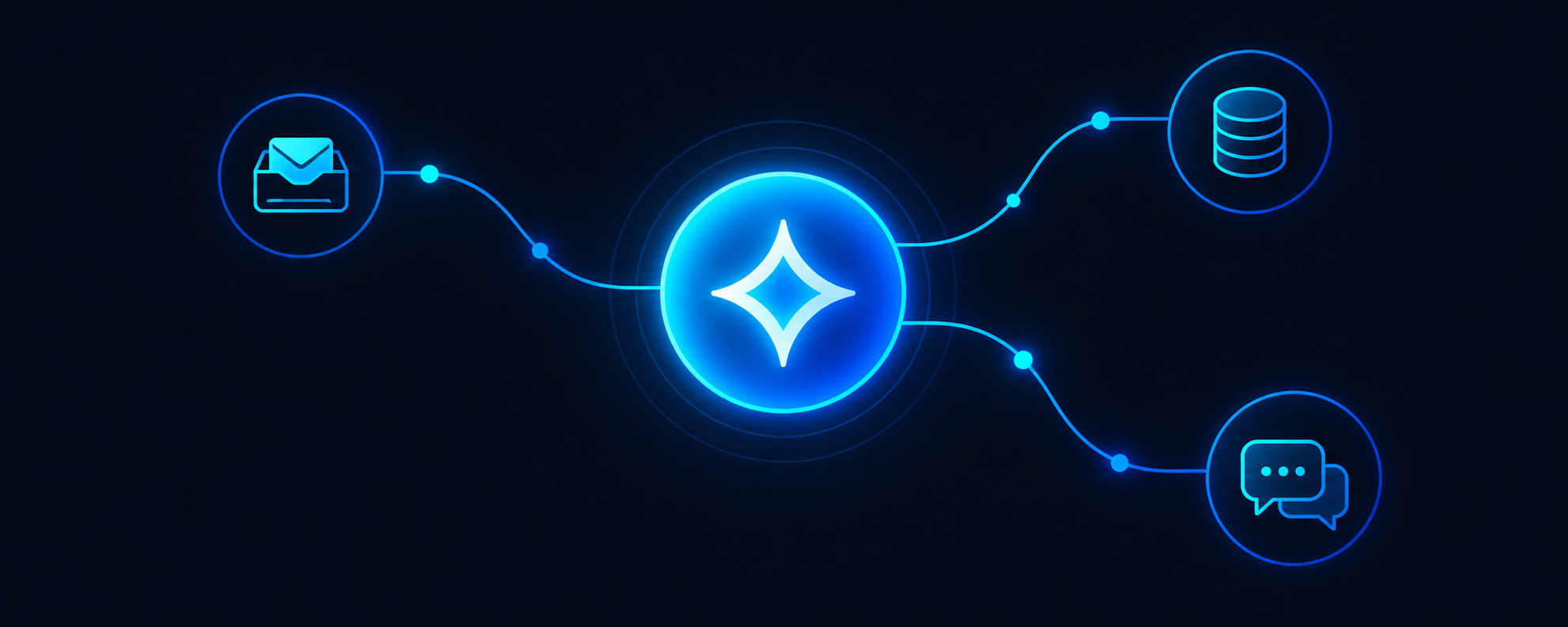
A WhatsApp AI agent connects to the WhatsApp Business API and uses a language model to understand incoming messages. Instead of rigid decision trees, it processes natural language — meaning customers can ask questions however they want.
The typical workflow looks like this:
- Customer sends a message on WhatsApp
- The AI agent analyzes intent and context
- It retrieves relevant information from your knowledge base, CRM, or order system
- A response is generated and sent back — usually within seconds
- If the issue is complex, the agent escalates to a human agent with full context
This isn’t about replacing your team. It’s about letting them focus on the conversations that actually matter.
Key Features to Look For in a WhatsApp AI Solution
Not all WhatsApp AI tools are built the same. When evaluating options for your business, prioritize these capabilities:
- Natural language understanding — the agent should handle typos, slang, and multi-language queries without breaking
- System integrations — it needs to connect to your CRM, order management, or ticketing tools
- Human handoff — seamless escalation with conversation history so customers never have to repeat themselves
- Analytics and reporting — track resolution rates, response times, and customer satisfaction
- Compliance — WhatsApp has strict business messaging policies; your solution needs to stay compliant
Echo365.ai’s platform checks all of these boxes, giving you a WhatsApp AI agent that integrates with your existing workflows rather than adding complexity.
Real-World Use Cases for WhatsApp AI Agents
Here’s where SMBs are seeing the biggest impact:
Order tracking and status updates. Customers message asking “Where’s my order?” The AI pulls the order status from your system and replies instantly. No more manually checking spreadsheets.
FAQ automation. Your top 20 questions probably account for 80% of incoming messages. An AI agent handles those automatically, freeing up your team for edge cases.
Appointment scheduling. The agent can check availability, book appointments, send confirmations, and handle rescheduling — all within the WhatsApp thread.
Product recommendations. Based on a customer’s purchase history or browsing behavior, the agent suggests relevant products, driving additional revenue without aggressive sales tactics.
Getting Started: A Simple Implementation Plan
You don’t need a massive IT project to deploy a WhatsApp AI agent. Here’s a practical roadmap:
- Audit your current support volume. Identify the most common question types and peak hours.
- Set up WhatsApp Business API access. This requires a Meta Business account and a verified phone number.
- Choose your AI platform. Select a solution that integrates with your existing tools — check out Echo365.ai’s products for a ready-made option.
- Build your knowledge base. Feed the AI agent your FAQ content, product information, and policies.
- Test with a small group. Run a pilot with a subset of your customers before going live.
- Monitor and iterate. Review conversation logs weekly for the first month to fine-tune responses.
Measuring Success
After deploying your WhatsApp AI agent, track these metrics to measure ROI:
- First response time — should drop from hours to seconds
- Resolution rate — percentage of issues resolved without human intervention
- Customer satisfaction (CSAT) — collected via quick in-chat surveys
- Cost per conversation — compare before and after automation
Most businesses see a 40-60% reduction in support costs within the first three months.
The Bottom Line
A WhatsApp AI agent isn’t a futuristic luxury — it’s a practical tool that your customers are already asking for. They want fast, convenient support on a platform they already use. The businesses that deliver on that expectation will outperform those still relying on email-only support.
Ready to see how it works for your business? Book a Demo with Echo365.ai and let us show you what a WhatsApp AI agent can do for your customer support.