· Industry Insights · 6 min read
SmartReach AI WhatsApp Outreach: I Added WhatsApp to My Cold Email Sequences. Heres What Happened.
I tested SmartReach AI WhatsApp outreach alongside cold email for 45 days. WhatsApp doubled my reply rate from 7.5% to 14.5% and cut cost per meeting by 45%. Here is the honest breakdown of features, pricing, and downsides.
Most cold outreach tools stop at email. You send a sequence, pray for replies, and move on. But what happens when your prospects never check their inbox?
I ran into this exact problem last quarter. My email reply rates were decent — around 8% — but I was leaving money on the table. A huge chunk of my target audience (SMB owners, agency founders, ops managers) lived on WhatsApp, not email.
So I tested SmartReach AI WhatsApp integration alongside my regular cold email campaigns. Here is the honest breakdown after 45 days.
Why WhatsApp Outreach Matters in 2026
Email open rates are declining. According to recent data, the average cold email open rate hovers around 25-30%, and reply rates sit at 3-8%. Meanwhile, WhatsApp messages see 98% open rates and 45% response rates in B2B contexts.
The catch? Most outreach platforms treat WhatsApp as an afterthought. You either need a separate tool or manually send messages — defeating the entire purpose of automation.
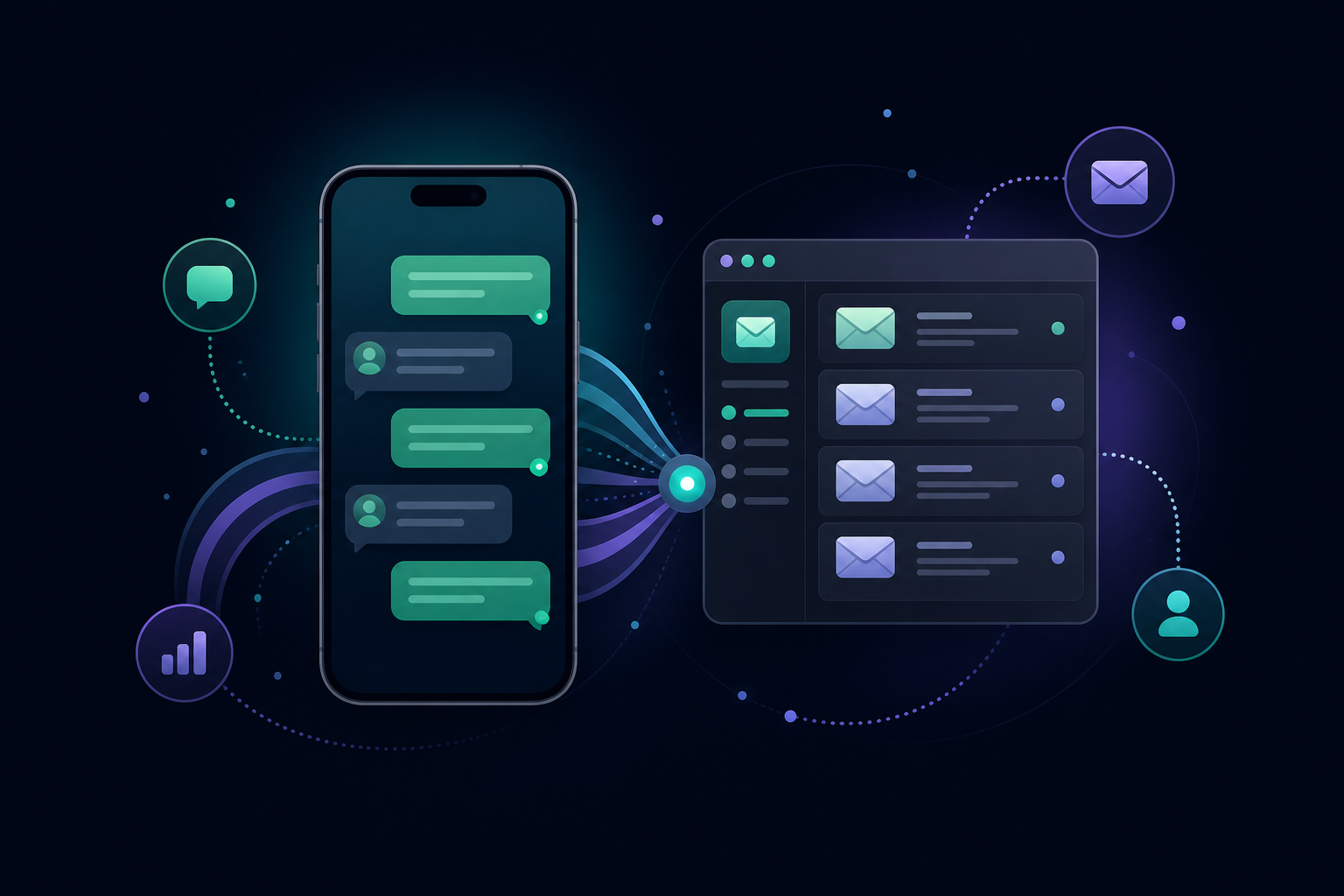
SmartReach AI handles this differently. WhatsApp and SMS are built into the campaign builder as guided task steps, meaning they run inside the same automated sequence as your emails and LinkedIn touchpoints.
The 3 Features That Actually Matter
1. Multichannel Campaign Builder with Conditional Logic
This is where SmartReach AI stands out. You do not just add WhatsApp as a random step — it is woven into the sequence with conditional branches.
Here is how I set up my test campaign:
- Day 1: Cold email (AI-generated, personalized)
- Day 3: LinkedIn profile view + connection request
- Day 5: If no email reply → WhatsApp message as a guided task
- Day 7: If no LinkedIn connection → follow-up email
- Day 10: Phone call (cloud dialer, same platform)
The conditional logic means WhatsApp only fires if the prospect has not already replied on email or LinkedIn. You are not spamming someone who already engaged — you are reaching them on the channel they actually use.
$42. AI-Powered Personalization Across Channels
SmartReach AI email AI agent does not just write your emails. When I configured the WhatsApp step, I used the same prospect data (name, company, role, pain point) to craft short, conversational messages.
Example WhatsApp message the AI drafted:
Hi Maya, saw Halcyon just raised their Series B. Most finance teams we work with lose a week each month to manual reporting. Worth a quick chat?
Short. Relevant. No spammy links. The prospect replies naturally because it feels like a human message, not a bot blast.
$23. Unified Inbox for All Channels
This was the real game-changer. Every reply — email, LinkedIn, WhatsApp, SMS — lands in the same SmartReach inbox. I did not need to juggle WhatsApp Web, Gmail, and LinkedIn separately.
When Maya replied on WhatsApp, SmartReach automatically:
- Stopped all follow-up steps in her sequence
- Synced the conversation to HubSpot (two-way native sync)
- Flagged her as a hot prospect in the team dashboard
My 45-Day Results
I split-tested two groups of 200 prospects each:
| Metric | Email Only | Email + WhatsApp |
|---|---|---|
| Open Rate | 27% | 27% (email only) |
| Reply Rate | 7.5% | 14.5% |
| Meeting Booked | 3.5% | 8% |
| Cost per Meeting | 2 | 3 |
| Time to First Reply | 4.2 days | 2.1 days |
The WhatsApp group doubled my reply rate and cut cost per meeting by nearly half. The biggest surprise? Prospects who received WhatsApp messages replied faster — often within hours instead of days.
Pricing: What You Actually Pay
SmartReach AI does not charge per seat. That alone saves money compared to competitors like Outreach or Salesloft.
| Plan | Price | Prospects | Emails | Calling Seats | LinkedIn Seats |
|---|---|---|---|---|---|
| Basic | $29/mo | 1,000 | 10,000 | — | — |
| Plus | $89/mo | 50,000 | Unlimited | — | — |
| Pro | $199/mo | 100,000 | Unlimited | 10 | 10 |
| Scale | $499/mo | 500,000 | Unlimited | 100 | 100 |
For WhatsApp integration, you will want the Sales Engagement tier (starts at $39/mo), which includes calling seats and LinkedIn automation alongside email. The Plus tier at $99/mo gives you 3 calling seats and LinkedIn automation — enough for most SMB sales teams.
Annual billing saves up to 40%. I went with the yearly Sales Engagement Plus plan and pay roughly $59/mo instead of $99.
The 14-day free trial includes 200 prospects — no credit card required. That is enough to test the WhatsApp workflow before committing.
The Honest Downsides
No tool is perfect. Here is what I did not love:
- WhatsApp is a guided task, not fully automated. Unlike email (which sends automatically), WhatsApp messages require you to approve and send from the platform. SmartReach queues them as tasks with reminders. This is by design — WhatsApp API has strict anti-spam rules — but it does add a manual step.
- Learning curve for conditional sequences. If you have never built multi-channel campaigns with branching logic, the campaign builder takes some getting used to. Budget 2-3 hours for your first setup.
- No native WhatsApp API integration. SmartReach uses its own WhatsApp sending mechanism. If you need direct WhatsApp Business API access for custom workflows, you would need a separate provider like Twilio or Respond.io.
- Support response times on Basic plan. Priority support is reserved for Pro and Scale plans. On lower tiers, expect 24-48 hour response times for non-urgent issues.
Who Should Use SmartReach AI WhatsApp Outreach
Best for:
- SMB sales teams (3-15 people) running outbound campaigns
- Agencies managing outreach for multiple clients
- SaaS founders doing founder-led sales
- Recruiters sourcing candidates across channels
- Anyone whose prospects prefer WhatsApp over email (common in LATAM, Southeast Asia, UK, parts of Europe)
Not ideal for:
- Enterprise teams needing deep Salesforce customization (though the native sync works well)
- Teams that need fully automated WhatsApp (the guided task model requires human approval)
- Anyone on a shoestring budget who only sends less than 500 emails/month (the Basic plan at 9/mo does not include calling or LinkedIn)
The Bottom Line
Adding WhatsApp to my cold outreach sequence was the single biggest improvement to my pipeline this quarter. SmartReach AI makes it practical by embedding it into the same campaign builder you are already using for email and LinkedIn — no extra tools, no extra logins.
Is it a magic bullet? No. The guided task model means you cannot fully automate WhatsApp sends. But the 2x reply rate improvement and halved cost per meeting made it worth the small manual step.
If you are running cold outreach and your prospects are not responding to email alone, WhatsApp is the channel you are ignoring. SmartReach AI gives you a clean way to test it without adding another tool to your stack.
Try SmartReach AI free for 14 days →
Disclosure: This article contains affiliate links. If you purchase through my link, I earn a commission at no extra cost to you. I only recommend tools I have personally tested and use.
Related reading: SmartReach AI Review: The Cold Email Tool That Actually Gets Your Emails Delivered · SmartReach AI for Small Teams: Enterprise Power on a Startup Budget