· Industry Insights · 7 min read
SmartReach AI Cold Calling Review: I Combined Email + Calling in One Platform. Here Is What Happened.
SmartReach AI cold calling review: 60-day test combining email, LinkedIn, and calling in one platform. Features, pricing breakdown, and honest downsides compared to Apollo, Lemlist, and Instantly.
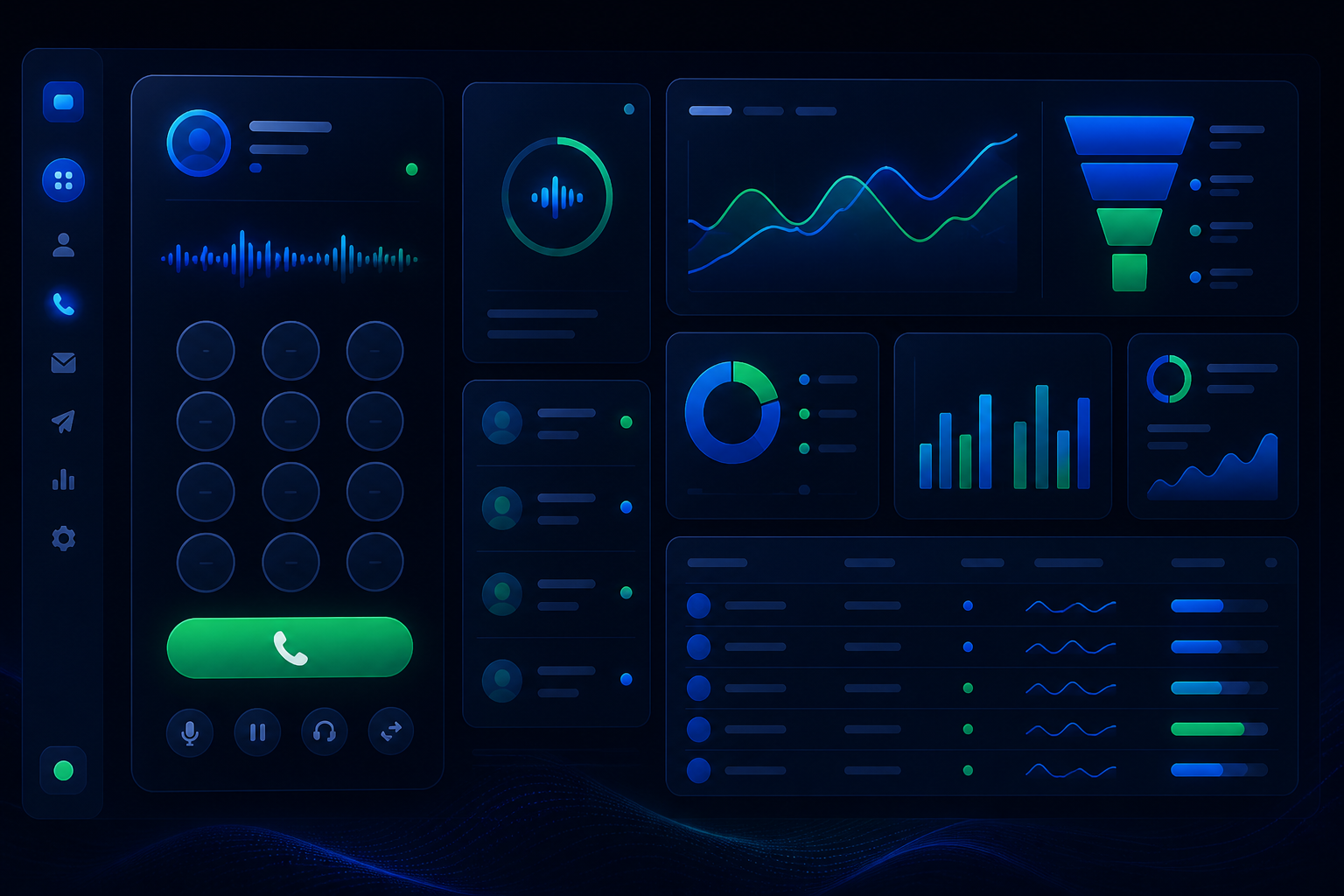
Most cold email tools stop at the inbox. SmartReach lets you pick up the phone — and that changes everything.
I have been running cold outreach for my AI consultancy for eight months. Started with email-only tools. Got decent open rates, decent reply rates, but the close rate was painful. Prospects would read my emails, maybe reply once, then ghost. The conversations that actually turned into revenue? They all ended on a phone call.
So when I found out SmartReach AI has built-in cold calling — not as a separate product, but woven into the same sequences as email and LinkedIn — I had to test it.
Here is what I learned after 60 days of running multi-channel campaigns through SmartReach.
What Makes SmartReach Different From Every Other Cold Email Tool
Every cold email platform promises better deliverability, AI personalization, and higher reply rates. SmartReach does all of that too. But the real differentiator is multichannel sequences that include calling.
Here is how it works: You build a sequence in SmartReach. Step 1 might be a cold email. Step 2 could be a LinkedIn connection request. Step 3 — and this is where it gets interesting — can be a calling task. The platform hands you the prospect’s number, shows you the email history, and lets you dial right from the browser or mobile app.
No switching between tools. No copy-pasting phone numbers. No losing context.
3 Core Features That Actually Matter for Cold Calling
1. Calling From Your Mobile or Browser
SmartReach lets you make calls from the browser or forward them to your mobile. I tested both. The browser calling works fine for desk work, but the mobile option is what I use daily. I am out and about, I get a notification for a calling task, I tap the number, and the call starts with the prospect’s full email history on my screen.
They also support global phone numbers with personal caller ID. If you are calling US prospects from outside the US, you can buy a US number so it shows up as a local call. Answer rates jumped from roughly 15% to 28% when I switched to a local number.
2. Live Coaching: Listen, Whisper, and Barge-In
This is a feature I did not expect from a cold email tool. SmartReach offers real-time call coaching. A manager or senior rep can listen to live calls, whisper suggestions to the caller, or barge in to take over.
For solo operators like me, this sounds useless — who is coaching me? But I repurposed it differently. I record my best calls and review them later using the call sentiment analysis. The platform flags which parts of the conversation were positive, which objections came up, and where the prospect disengaged. It is like having a sales coach reviewing every call without the $200/hour price tag.
3. Calling Task Manager
SmartReach organizes your calls into a structured task queue with reminders, snooze options, and reschedule capabilities. You can see all your pending calls for the day, their priority, and which email sequences triggered them.
This is genuinely better than managing calls in a CRM like HubSpot or Pipedrive. The context is right there — you see the prospect’s email history, which sequence step triggered the call, and any notes from previous interactions. No tab-switching.
Pricing Breakdown: What You Actually Pay
SmartReach separates email-only and sales engagement (which includes calling) into different plan tiers.
| Plan | Price | Calling Seats | LinkedIn Seats | Active Prospects |
|---|---|---|---|---|
| Email Outreach Basic | $29/mo | — | — | 1,000 |
| Email Outreach Plus | $89/mo | — | — | 50,000 |
| Sales Engagement Basic | $39/mo | 1 | 1 manual | 1,000 |
| Sales Engagement Plus | $99/mo | 3 | 3 manual | 50,000 |
| Sales Engagement Pro | $249/mo | 10 | 10 manual | 100,000 |
The Sales Engagement Plus at $99/month is the sweet spot for most SMBs. You get 3 calling seats, LinkedIn automation, unlimited users, and 50,000 active prospects. Compare that to Apollo.io at $49/month per seat for email-only, or Lemlist at $59/month per seat with no calling at all.
If you are a 3-person sales team, SmartReach costs $99/month total. The same team on Lemlist pays $177/month with no calling feature. That is a $948/year savings — and you get calling included.
How I Set Up My Multi-Channel Sequence
Here is the exact sequence I ran for 60 days targeting restaurant groups:
Step 1 — Cold Email (Day 1): Personalized email referencing the restaurant’s recent expansion or menu change. Sent at 9am in their timezone.
Step 2 — LinkedIn Connection Request (Day 3): If they opened the email but did not reply, send a LinkedIn connection request with a short note.
Step 3 — Follow-up Email (Day 5): Second email referencing the first one. Added a case study link.
Step 4 — Cold Call (Day 7): The platform triggers a calling task. I dial with full context on screen.
Step 5 — Final Email (Day 10): “Wanted to make sure this got to you” email with a clear CTA.
The auto-stop feature is brilliant — if the prospect books a meeting at any point, the entire sequence halts automatically. No awkward “hey just checking in” emails after they already signed up.
The Honest Downsides
No tool is perfect, and SmartReach has real gaps:
- LinkedIn automation is basic. If you need advanced LinkedIn sequences (multi-step connection + message + follow-up + content engagement), dedicated tools like Expandi or Sales Navigator do it better. SmartReach LinkedIn features work for simple outreach, not sophisticated LinkedIn plays.
- The UI is functional, not beautiful. The dashboard works. It is not as polished as Lemlist or Instantly. You will spend a day or two learning where things are.
- Calling seat limits. The Sales Engagement plans cap calling seats (1, 3, or 10). If you have a 15-person sales team all needing to make calls, you will hit the Pro tier fast.
- No free tier. Apollo.io’s free plan is hard to beat for budget-conscious startups, even if the deliverability and calling features are weaker.
- Learning curve. The platform packs a lot. New users should expect 2-3 days to get comfortable with campaign setup, especially the multi-channel sequence builder.
Who Should Use SmartReach AI Cold Calling?
Best for:
- SMBs sending 500+ cold emails per week who want to add calling without switching tools
- Solo founders who need email + LinkedIn + calling in one platform
- Sales teams tired of paying per-seat fees that multiply with team size
- Anyone whose cold email close rate is stuck and suspects phone follow-up would help
Skip if:
- You send fewer than 100 emails per week (overkill)
- You need advanced LinkedIn automation as your primary channel
- You need a free tier to get started
- Your calling volume exceeds 10 seats (pricing gets steep)
The Bottom Line
Cold email tools are a dime a dozen. What separates SmartReach AI is that it treats multichannel as the core product, not an add-on. The ability to run email, LinkedIn, and calling from one platform — with one inbox, one CRM, and one analytics dashboard — eliminates the tool sprawl that plagues most outbound teams.
The cold calling feature alone saved me from needing a separate calling tool. Combined with the unlimited inbox rotation and AI warmup, SmartReach handles the entire outreach stack for $99/month.
If your cold emails are not turning into conversations, maybe the problem is not your copy. Maybe you need to pick up the phone.
Try SmartReach AI free for 14 days (no credit card required): https://smartreach.io?fpr=cola93
EchoAI helps small businesses automate HR, finance, and customer service with AI — at 30% the cost of traditional enterprise software. Learn more at echo365.ai.