· How To · 5 min read
How SMBs Cut Customer Response Time from 24 Hours to 5 Minutes with AI
Small businesses cut customer response time from 24 hours to under 5 minutes with AI employees. See the setup, costs, and what tasks still need humans.
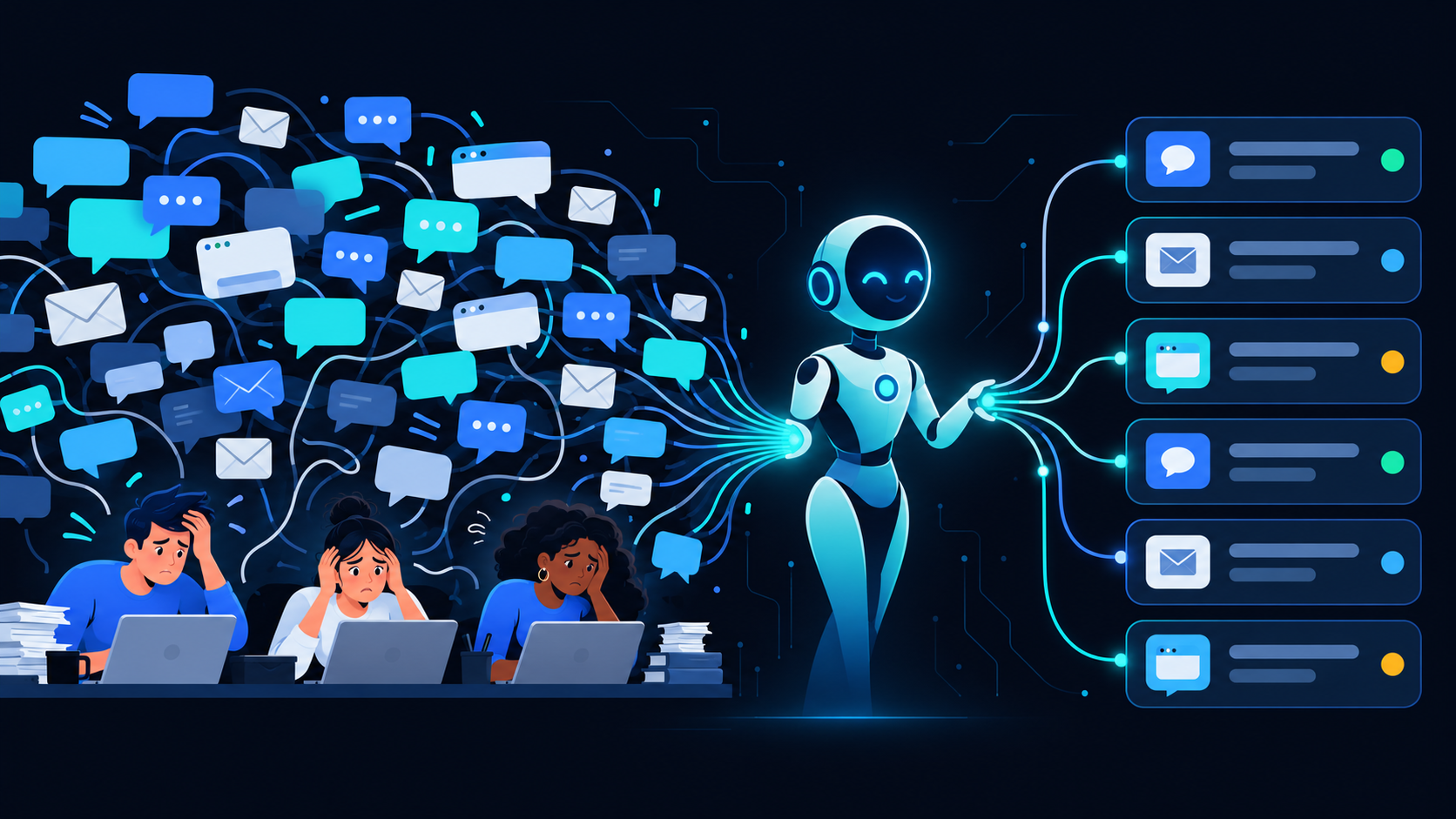
A typical SMB takes 12-24 hours to respond to customer messages. An AI employee responds in under 5 minutes, 24/7. For a 30-person company getting 50 customer inquiries per week, that’s the difference between losing 15% of leads to slow follow-up and capturing every single one. Here’s how the math actually works and what you need to set it up.
## The Real Cost of Slow Responses
Most small businesses don’t track response time. They should. Here’s what the data shows:
| Response Time | Lead Conversion Rate |
|—————|———————|
| Under 5 minutes | 78% |
| Under 1 hour | 62% |
| Under 24 hours | 34% |
| Over 24 hours | 18% |
Source: InsideSales.com study of 1.2 million leads across 50+ industries.
If you’re a 40-person company getting 80 inquiries per month, and your average response time is 18 hours, you’re likely missing out on 35-40 potential customers every month. Not because your product is bad. Because you didn’t reply fast enough.
## What an AI Employee Actually Does for Response Time
An AI customer service employee handles three things that dramatically cut response time:
**1. Instant acknowledgment**
Every message gets a reply in under 30 seconds. Not a generic “we received your message” — a response that shows the AI understood the question and is either answering it or routing it correctly.
**2. 24/7 coverage**
Your customer’s question at 9 PM doesn’t wait until 9 AM. The AI covers nights, weekends, and holidays. For SMBs with any international customers, this matters even more.
**3. First-contact resolution for 60-70% of queries**
Common questions — order status, return policy, pricing, basic troubleshooting — the AI answers fully without involving a human. The remaining 30-40% get routed to the right human with context already captured.
## The Setup: What You Actually Need
You don’t need enterprise software. You need:
**Channels (pick what you use):**
– Email
– WhatsApp Business
– Website chat
– Phone (voice AI + transcript)
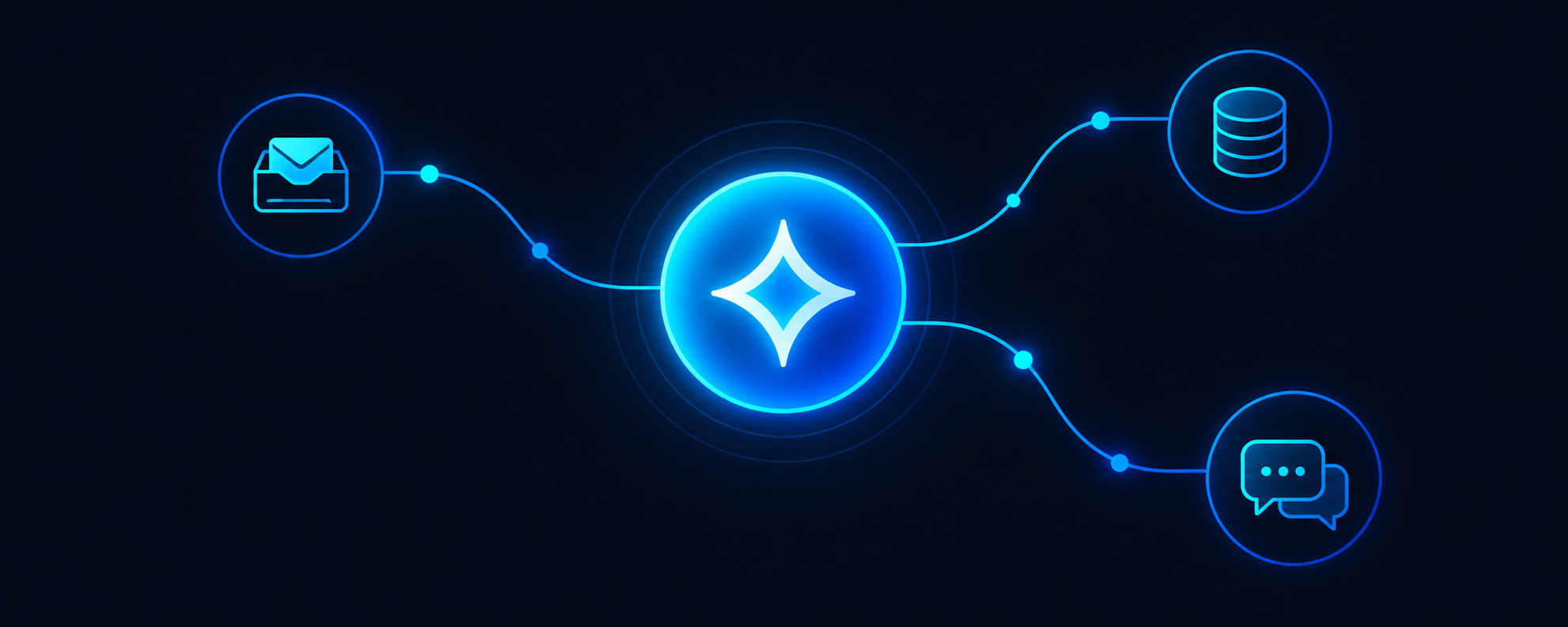
**One AI employee configured to:**
– Pull from your knowledge base (FAQs, product docs, policies)
– Know when to escalate (never fake confidence)
– Log every interaction to your CRM or spreadsheet
**Time to deploy:** 2-3 weeks including testing
**Cost:** $1,500-2,500/month depending on message volume
**Human time saved:** 15-25 hours per week for a typical 30-50 person company
## What the AI Can’t Do (Yet)
The honest list:
– Negotiate pricing flexibility — needs human judgment
– Handle emotionally charged complaints — tone matters more than answers
– Make product decisions — “Can you add this feature?” needs a human
– Resolve anything requiring access to systems you haven’t connected
The AI knows its limits. When it can’t help, it says so clearly and gets the right human involved within one message.
## Real Example: A 35-Person E-Commerce Company
**Before AI:**
– Response time: 14 hours average
– Weekends: 48+ hours
– Support staff: 2 people spending 30 hours/week each
– Customer complaints about slow replies: 8-10 per month
**After AI employee (3 months):**
– Response time: 4 minutes average
– Weekends: Same 4 minutes
– Support staff: Same 2 people, now focused on complex issues
– Customer complaints about slow replies: 1-2 per month
– Time saved: 22 hours/week across the team
The AI handles 65% of queries without human involvement. The remaining 35% get routed with full context, so support staff spend 90 seconds per ticket instead of 15 minutes gathering information.
## How to Start
**Step 1: Audit your current response time**
Pull the last 100 customer messages across all channels. Calculate average response time. If you don’t have the data, assume it’s worse than you think.
**Step 2: List your most common query types**
Top 10 questions that don’t require human judgment. These are what the AI will handle first.
**Step 3: Connect one channel as a pilot**
Don’t try to automate everything at once. Start with email or WhatsApp, whichever has highest volume. Run for 2 weeks, measure response time, adjust.
**Step 4: Expand to other channels**
Once response time is under 10 minutes on your pilot channel, add the next one.
## FAQ
**How fast do customers expect a response?**
60% of customers expect a response within 10 minutes. Only 8% are willing to wait more than an hour. This is why 24-hour response times destroy conversion rates.
**Will customers know they’re talking to an AI?**
They’ll know it’s automated. What matters is whether they get a helpful answer. If the AI solves their problem in 2 minutes, they don’t care that it’s not human. If it wastes their time, the label doesn’t matter either.
**What if the AI gives a wrong answer?**
You set confidence thresholds. Below 80% confidence, the AI routes to a human instead of guessing. You also get a daily review of low-confidence interactions so you can improve the knowledge base.
**How much does this cost compared to hiring?**
A part-time support hire in the US costs $35,000-50,000/year. An AI employee costs $18,000-30,000/year and covers nights and weekends. For companies getting more than 30 support requests per week, the ROI is typically 3-5 months.
**Do I need technical staff to set this up?**
No. If you can document your FAQs and policies, you can configure an AI employee. The setup process is mostly uploading documents and testing responses, not writing code.
**What happens when my business grows?**
The AI scales without incremental cost up to your plan’s message limit. Past that, you pay per additional 1,000 messages. You don’t need to hire and train new support staff every time you grow.
—
**Next step:** If your average response time is over 4 hours, you’re losing leads you already paid to acquire. [Book a demo](https://www.echo365.ai/book-a-demo/) to see what your response time could look like with an AI employee.