Skip to content

How to Set Up an AI Customer Service Agent for WhatsApp in 7 Days

  • by

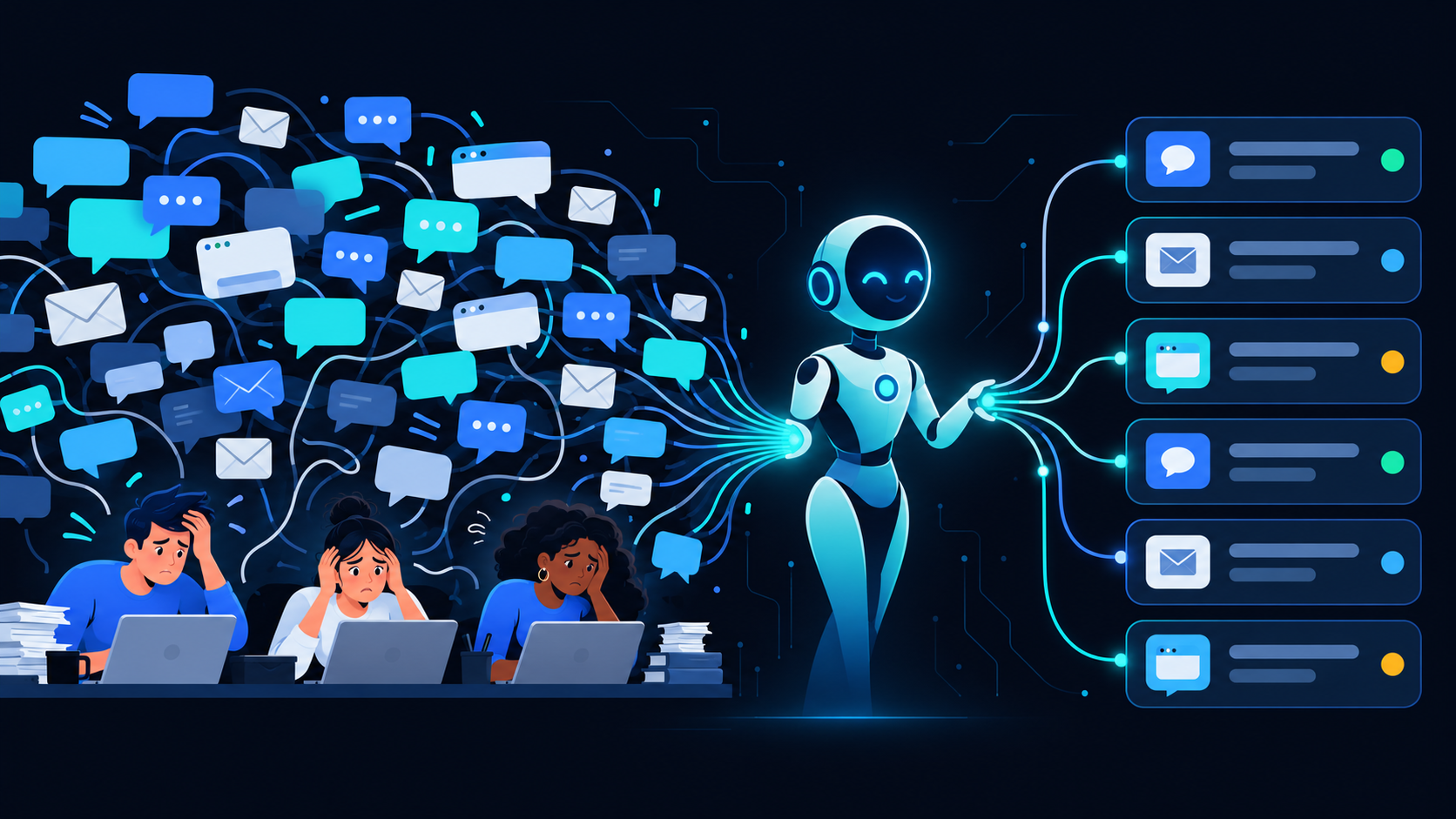
WhatsApp isn’t just for personal chats anymore. With over 2 billion active users and a 98% open rate, it has become the default business communication channel for SMBs across Asia, Latin America, the Middle East, and beyond. When your customers are already on WhatsApp, the smartest move is to deploy your customer service operation there too — and do it with an AI agent that works 24/7.

Here’s how to go from zero to a fully operational AI customer service agent on WhatsApp in 7 days using Echo365 digital employees.

Why WhatsApp Is the #1 SMB Channel

SMB customers don’t want to call a hotline and wait on hold. They don’t want to navigate a 10-tab website. They want to send a quick message and get an answer in under a minute. WhatsApp delivers that — and your competitors are already there.

The numbers are hard to argue with: 175 million people message a business on WhatsApp every day. Response time on WhatsApp averages under 2 minutes for businesses using automation. Compare that to email (average 12-hour response) or phone (average 4-minute hold time), and the ROI case writes itself.

What an AI Customer Service Agent Can Handle

Before you deploy, define the scope. A well-configured AI customer service agent on WhatsApp can autonomously handle:

  • FAQ responses — pricing, hours, policies, product specs
  • Order status lookups — integrating with your OMS or tracking system
  • Appointment booking — syncing with your calendar or CRM
  • Lead qualification — collecting name, company, budget, and intent before routing
  • Escalation routing — when a query is outside policy, it hands off to a human with full context

What it shouldn’t handle alone: complex complaints, sensitive refund disputes, or anything requiring judgment calls outside defined policy. Those go to your team — with a full transcript so they’re not starting from scratch.

The 4 Steps to Deploy in 7 Days

Day 1–2: Workflow Audit

Map your top 20 inbound customer questions. Pull the last 3 months of chat logs, email threads, or support tickets. Categorize by type: informational, transactional, escalation-needed. This becomes your agent’s knowledge base.

Day 3–4: Role Design

Define the agent’s scope, tone, and escalation triggers. What questions can it answer with certainty? What triggers a handoff? What’s the fallback message when it doesn’t know? Echo365 handles this configuration process as part of onboarding — you don’t need to write any code.

Day 5–6: Channel Setup

Connect your WhatsApp Business number to the Echo365 platform. This requires a verified WhatsApp Business account (most SMBs already have one). Echo365 handles the API integration. Test with a staging number before going live.

Day 7: Go-Live

Soft launch to a subset of customers — your newsletter list or existing contacts. Monitor the first 48 hours: what questions are coming in, what’s escalating, what’s resolving without human intervention. Tune from there.

What to Expect in Week 1

Realistically: 60–75% of your inbound volume will be handled autonomously from day one. The remaining 25–40% will escalate — and that’s fine. Each escalation is a data point that improves your agent’s coverage over time.

By the end of week 2, most Echo365 customers see autonomous resolution rates above 80%. By month 2, it’s common to see 90%+ with routine tuning.

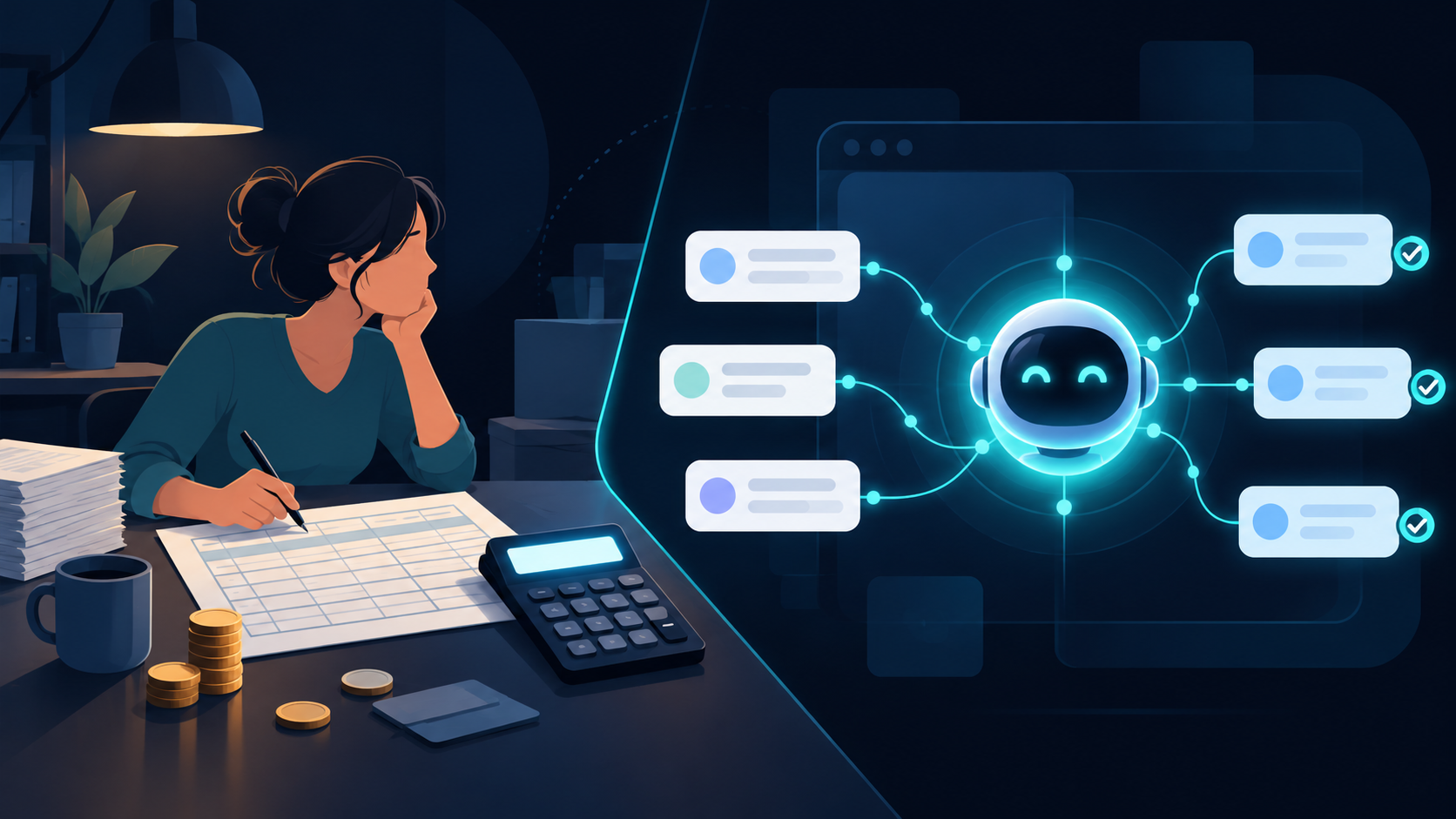
The business impact isn’t just efficiency — it’s availability. Your AI customer service agent handles 2am inquiries the same way it handles 2pm ones. No overtime. No sick days. No training lag when your team turns over.

Ready to deploy your AI customer service agent? Book a 30-min demo → We’ll map your top workflows and show you a live Echo365 agent handling your actual use case.

Ready to take action?

Deploy a Digital Employee in 7 Days

See how EchoAI automates customer service and sales workflows — live demo, zero commitment.

Book a Free Demo →