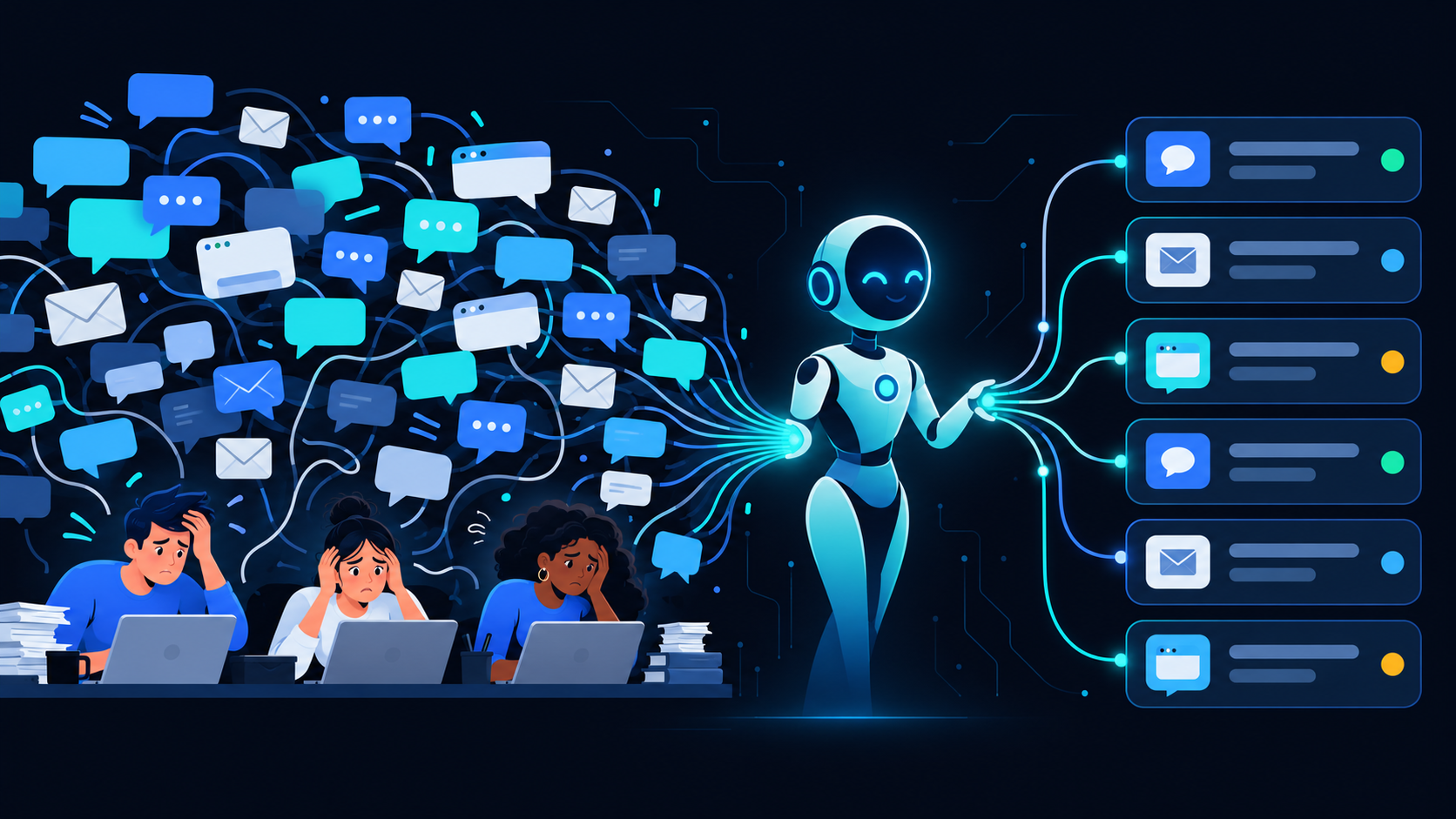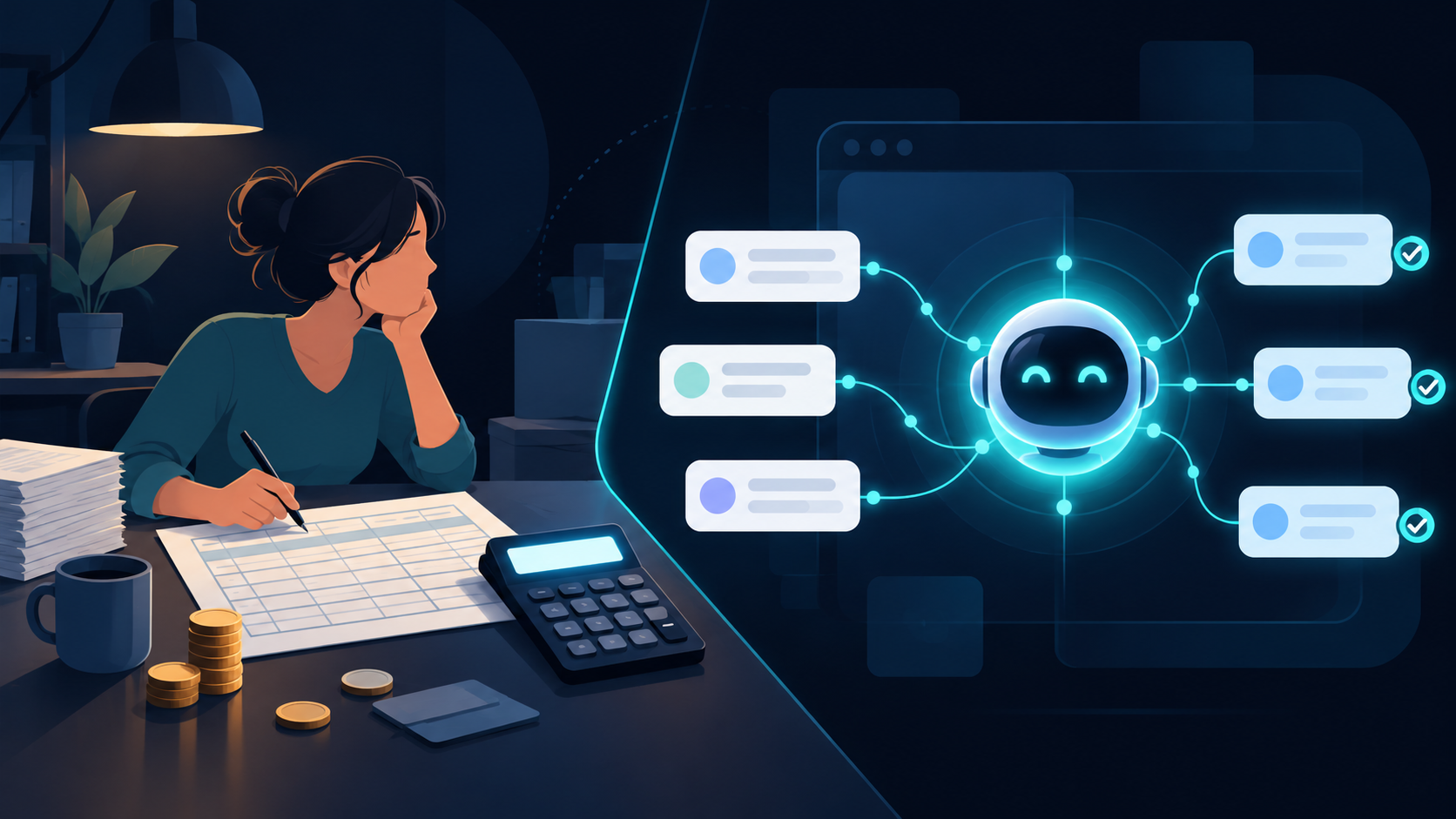
Your AI HR assistant onboards new employees, answers policy questions, and handles repetitive HR requests 24 hours a day.
For a 30-person company with 2-3 new hires per quarter, that’s about 15-20 hours saved per month on tasks like benefits enrollment, document collection, and first-week Q&A.
Here’s what an AI HR assistant actually does, what it costs, and how to deploy one without disrupting your team.
What an AI HR Assistant Actually Handles
An AI HR assistant isn’t a generic chatbot. It’s a role-scoped agent that understands your company’s policies, benefits, and onboarding workflows.
Onboarding Tasks It Automates
| Task | AI HR Assistant | Human HR |
|---|---|---|
| Send welcome packet | ✅ Instantly | 2-3 hours |
| Collect signed documents | ✅ Automated reminders | Manual follow-up |
| Answer “What’s our PTO policy?” | ✅ 24/7 accurate response | Interrupted repeatedly |
| Schedule IT equipment setup | ✅ Integrated with calendar | Back-and-forth emails |
| Benefits enrollment guidance | ✅ Step-by-step walkthrough | 30-min meeting per hire |
| First-week check-in | ✅ Automated pulse survey | Manual scheduling |
The 15 Hours You Get Back
A typical onboarding flow for one new hire involves:
- 2 hours: Sending forms, reminders, chasing signatures
- 1.5 hours: Answering repeat questions about PTO, insurance, office access
- 1 hour: Coordinating IT setup with tech team
- 30 minutes: Benefits walkthrough
Multiply that by 3 hires per quarter, and you’re spending 15+ hours on tasks an AI assistant handles automatically.
How It Works: 3 Steps to Deploy
1. Upload Your HR Documents
Feed the assistant your employee handbook, benefits guide, PTO policies, and onboarding checklist. The AI extracts answers from these sources—no manual scripting required.
Setup time: 1-2 days
2. Configure Workflows
Define what triggers each action:
- New hire added to HRIS → Send welcome email + document portal link
- Documents uploaded → Route to appropriate approver
- Benefits questions → Pull from policy guide and respond
Setup time: 3-5 days
3. Test and Launch
Run 1-2 test onboardings with a willing team member. Refine answers where needed. Go live.
Setup time: 2-4 days
Total deployment: 10-14 days for a working AI HR assistant.
What It Costs vs Hiring
| Option | Monthly Cost | Annual Cost |
|---|---|---|
| Part-time HR coordinator (20 hrs/week) | $4,000-$5,000 | $48,000-$60,000 |
| HR outsourcing (onboarding only) | $500-$800 per hire | $1,500-$2,400 (3 hires) |
| AI HR assistant (EchoAI) | $1,500-$2,500 | $18,000-$30,000 |
An AI assistant handles the repetitive work. You still need a human for complex employee relations, terminations, and strategic decisions.
The difference: your HR person focuses on high-value work instead of chasing paperwork.
What AI Cannot Do
An AI HR assistant is not a replacement for human judgment.
It cannot:
- Handle sensitive employee complaints
- Make termination decisions
- Navigate complex legal situations
- Provide career coaching
It can:
- Answer 47 common questions accurately and instantly
- Route complex issues to the right person
- Maintain 24/7 availability across time zones
- Reduce onboarding time from 5 days to 1
FAQ
How much does an AI HR assistant cost per month?
Most platforms charge $1,500-$2,500/month for an AI HR assistant that handles onboarding, policy Q&A, and benefits enrollment. That’s roughly 30% of a part-time HR hire.
Can an AI HR assistant handle benefits enrollment?
Yes. The assistant walks employees through plan options, answers questions about deductibles and coverage, and collects enrollment forms. It doesn’t replace your broker but reduces the back-and-forth.
How long does it take to set up an AI HR assistant?
10-14 days for basic onboarding automation. Complex workflows with multiple integrations take 3-4 weeks.
Does it integrate with our existing HRIS?
Most AI assistants integrate with BambooHR, Gusto, Workday, and Rippling. If your HRIS has an API, integration is possible.
How do employees react to getting onboarding help from AI?
Most don’t notice—they’re chatting with a helpful assistant that answers instantly. For complex or sensitive questions, the AI routes to a human.
What happens if the AI gives a wrong answer?
You can set escalation rules. If confidence is low, the assistant says “Let me connect you with someone who can help” and routes to HR. You also see a log of all Q&A pairs for review.
Can the AI handle employee requests in multiple languages?
Most platforms support English, Spanish, and French out of the box. Additional languages depend on the provider. EchoAI supports 12 languages including Mandarin, German, and Portuguese.
How do I measure ROI?
Track three metrics:
- Time saved per onboarding (before vs after)
- HR team’s hours on repetitive tasks (monthly)
- Employee satisfaction scores for onboarding experience
A typical 30-person company recovers 10-15 hours/month in the first quarter.
Next Step
If your HR team spends more time chasing forms than developing people, an AI assistant is worth testing.
Book a Demo to see how an AI HR assistant would work with your current onboarding flow.
Ready to take action?
Deploy a Digital Employee in 7 Days
See how EchoAI automates customer service and sales workflows — live demo, zero commitment.
Book a Free Demo →